PlayCanvas Web Components
PlayCanvas Web Components let you put real-time 3D on a web page with nothing but HTML. Each <pc-*> tag wraps a piece of the PlayCanvas Engine — an app, a scene, a camera, a light — so you compose interactive 3D scenes the same way you compose the rest of your page: with markup.
Drag to look around the meadow above. Its camera, sun, haze and sound are HTML elements, and so are the scripts that paint its sky and generate its terrain, trees and grass. It's one of 40+ live examples you can explore, complete with source code.
Your First Scene
This is a complete 3D scene. It is running right here in the page, and you can edit it: the preview re-runs as you type.
<pc-app>
    <pc-scene>
        <pc-entity name="camera" position="0 0 3">
            <pc-camera></pc-camera>
        </pc-entity>
        <pc-entity name="light" rotation="45 45 0">
            <pc-light></pc-light>
        </pc-entity>
        <pc-entity name="ball">
            <pc-render type="sphere"></pc-render>
        </pc-entity>
    </pc-scene>
</pc-app>
<pc-app> is the canvas and <pc-scene> is the world inside it. Each <pc-entity> is an object with a position in that world, and the tags inside an entity give it abilities: this one is a camera, that one is a light, the third renders a sphere. Some things to try:
- Change the ball's
type="sphere"to"cone","capsule"or"cylinder". - Tint the light with
<pc-light color="orange">. - Paint the background with
<pc-camera clear-color="midnightblue">. - Duplicate the ball entity and move the copy aside with
position="1.2 0 0".
To put a scene like this on a page of your own, add the two <script> tags that load the library. Getting Started has the complete file.
What You Can Build
The same tags scale from one sphere to complete, polished experiences. Each of these showcases is a single HTML page: open it to explore it live, read its source and remix it on StackBlitz.
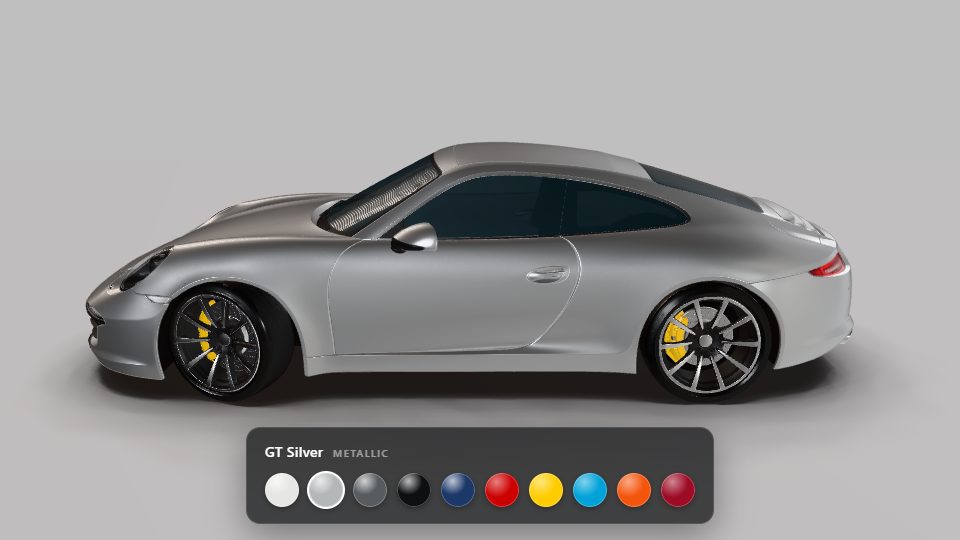
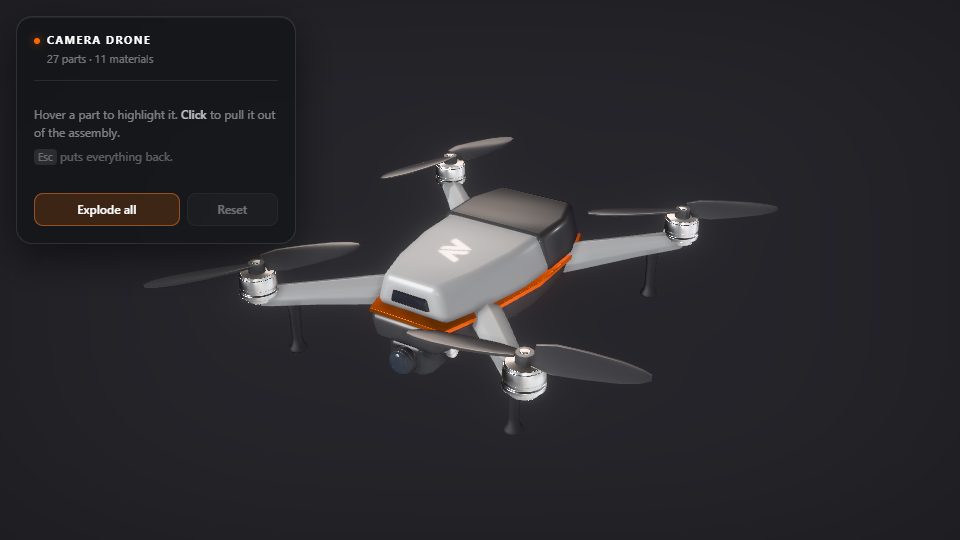
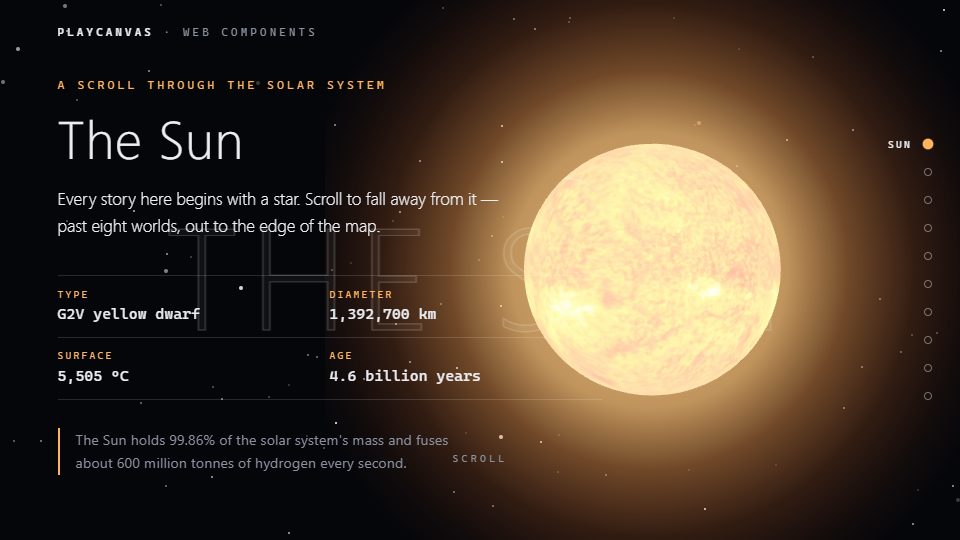

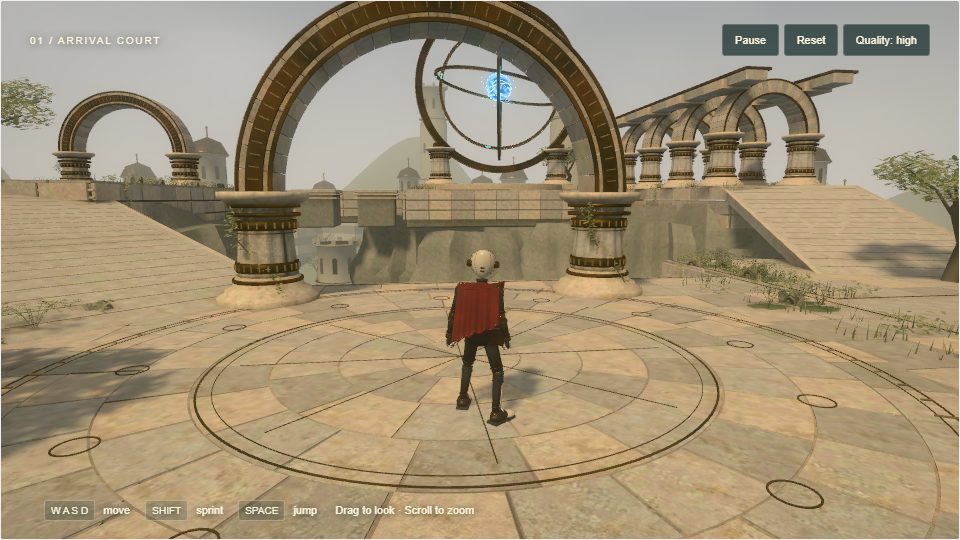
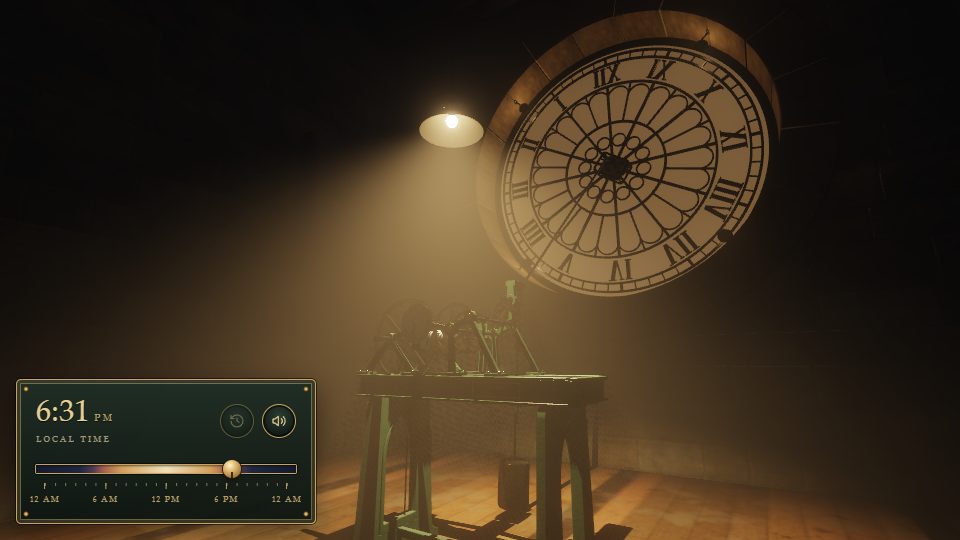
The examples browser has more, including webcam AR, vehicles and ragdolls, particles, positional sound, and 2D and 3D user interfaces.
Why PlayCanvas Web Components?
- HTML is the whole API. Build complete, interactive scenes in markup, with no build step and no engine boilerplate. Reach for JavaScript only when you want custom behavior.
- Every attribute is live. Change an attribute from JavaScript, from a framework or straight from your browser's dev tools, and the scene updates instantly. See Attributes for the shared conventions.
- The full engine underneath. This is not a simplified toy layer. The same PlayCanvas Engine that powers thousands of web applications does the rendering, WebGPU-first with automatic fallback to WebGL 2. When you need more than the tags offer, every element hands you its engine object.
- A web standard, not a framework. The components are Custom Elements, so they work in a plain HTML page or alongside any framework that renders to the DOM. All they ask of a browser is WebGL 2 or WebGPU, ES Modules and Custom Elements, all standard in current Chrome, Edge, Firefox and Safari.
- Your editor knows every tag. The package ships a Custom Elements Manifest, so VS Code and JetBrains IDEs complete tags and attributes and show their documentation as you type.
- Open source and MIT licensed. Developed in the open on GitHub, free for personal and commercial projects alike, and contributions are welcome.
Where Do You Want to Start?
Web Components work anywhere HTML does, React included. If you would rather write your scene as React components, with hooks and JSX, see PlayCanvas React.
In This Section
- Getting Started — load the library from a CDN or npm and render your first page.
- Building a Scene — a step-by-step tutorial: camera, meshes, lights and materials.
- Loading Models — load a glTF or GLB, see what is inside it, and adjust it from markup.
- Attributes — the value conventions shared by every tag.
- Adding Behavior with Scripts — attach engine scripts to entities for motion and interactivity.
- Programmatic Access — drive the running app from JavaScript with
whenReady. - Reusable Scenes with Templates — declare a subtree once in a
<template>and clone it into many live instances. - XR Support — take your scene into VR and AR.
- Tag Reference — every element and its attributes.
- Examples — live demos with source code.